1
Connect your production
Set up your switcher, recorders, and timecode source before the show. Pixelrush listens to the live cut while the crew works as usual.
Pixelrush captures the cuts from your live switch and turns them into an editor-ready timeline, so post can start from the show that already happened instead of rebuilding it by hand.
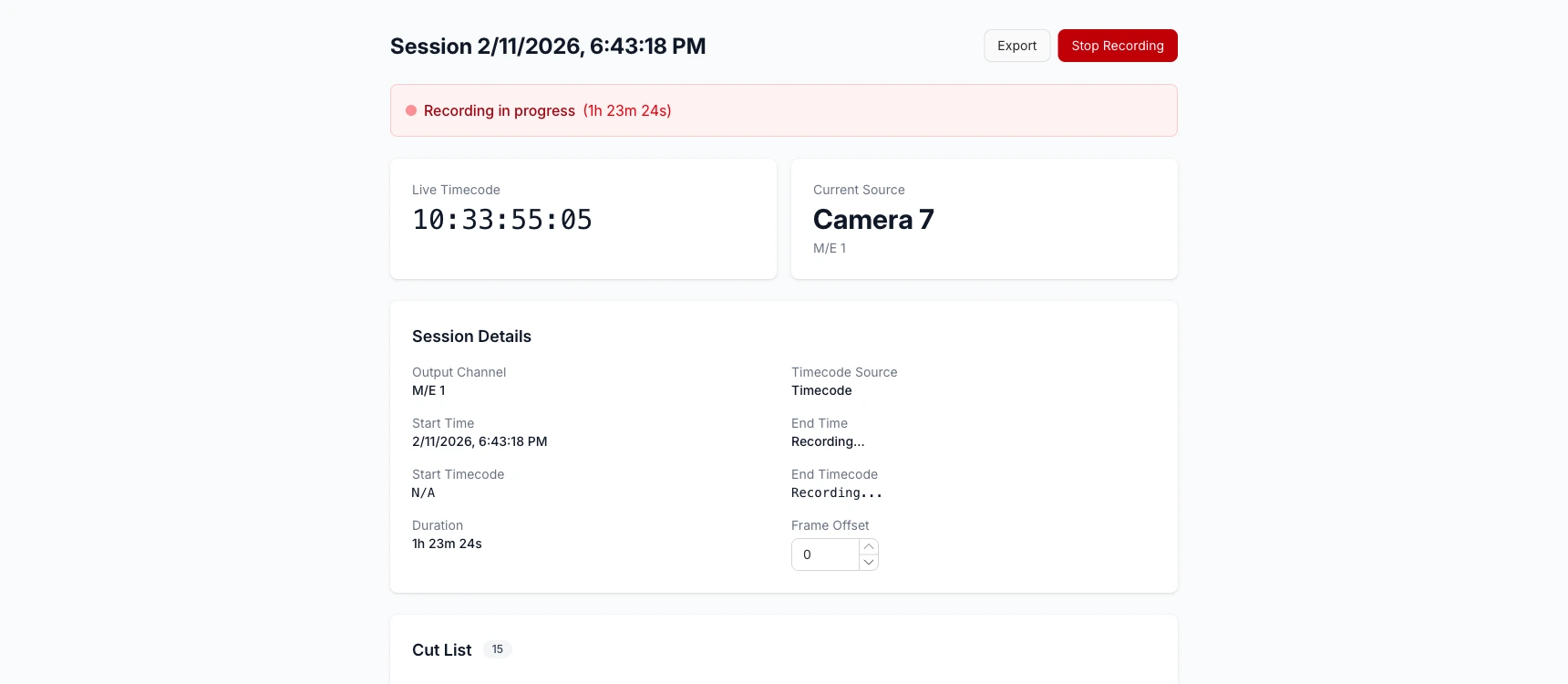
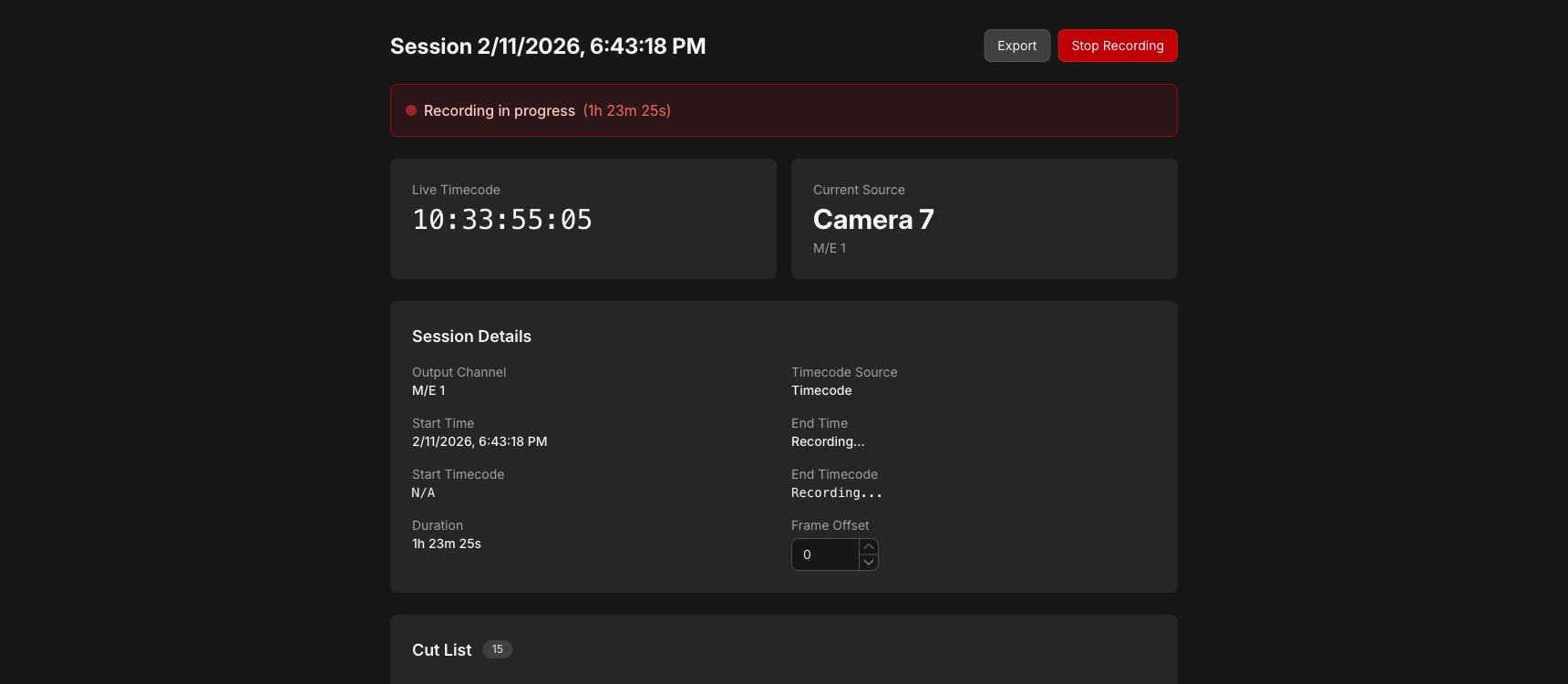
Capture the switch, map the footage, and hand post a timeline they can actually start from.
Set up your switcher, recorders, and timecode source before the show. Pixelrush listens to the live cut while the crew works as usual.
Assign each camera source to its recorded file, then export the live cut as an EDL or multicam timeline.
Your editor imports the timeline with the recorded footage and starts from the live cut instead of rebuilding the program shot by shot.
While connected to your switcher, Pixelrush captures source changes and timecode snapshots in the background, so useful cuts are not lost.
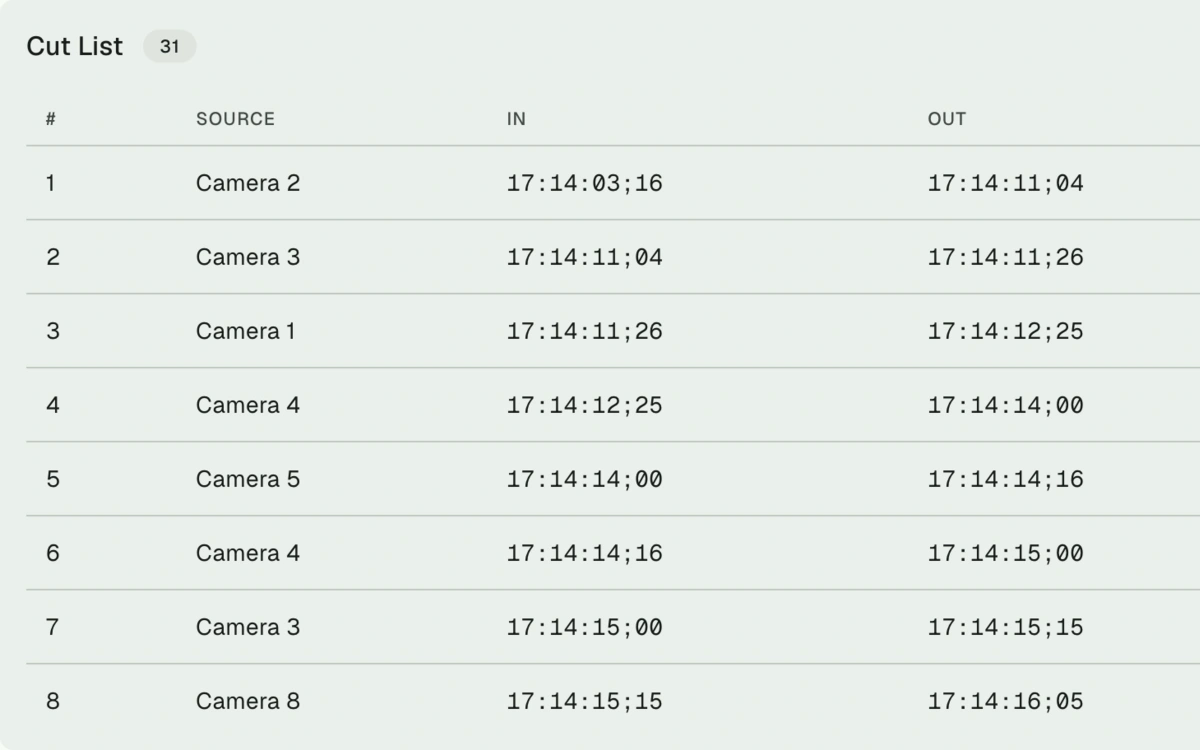
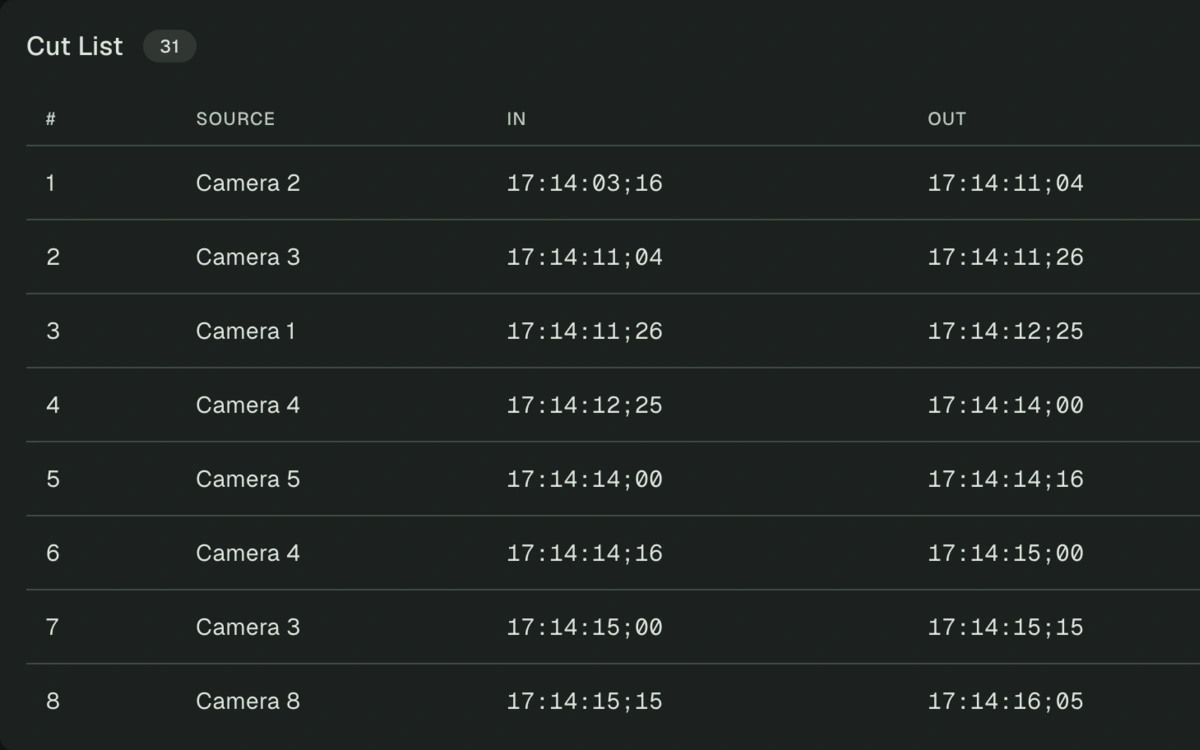
Export an EDL or Multicam XML that lines up with your recorded footage and gives post a real starting point.
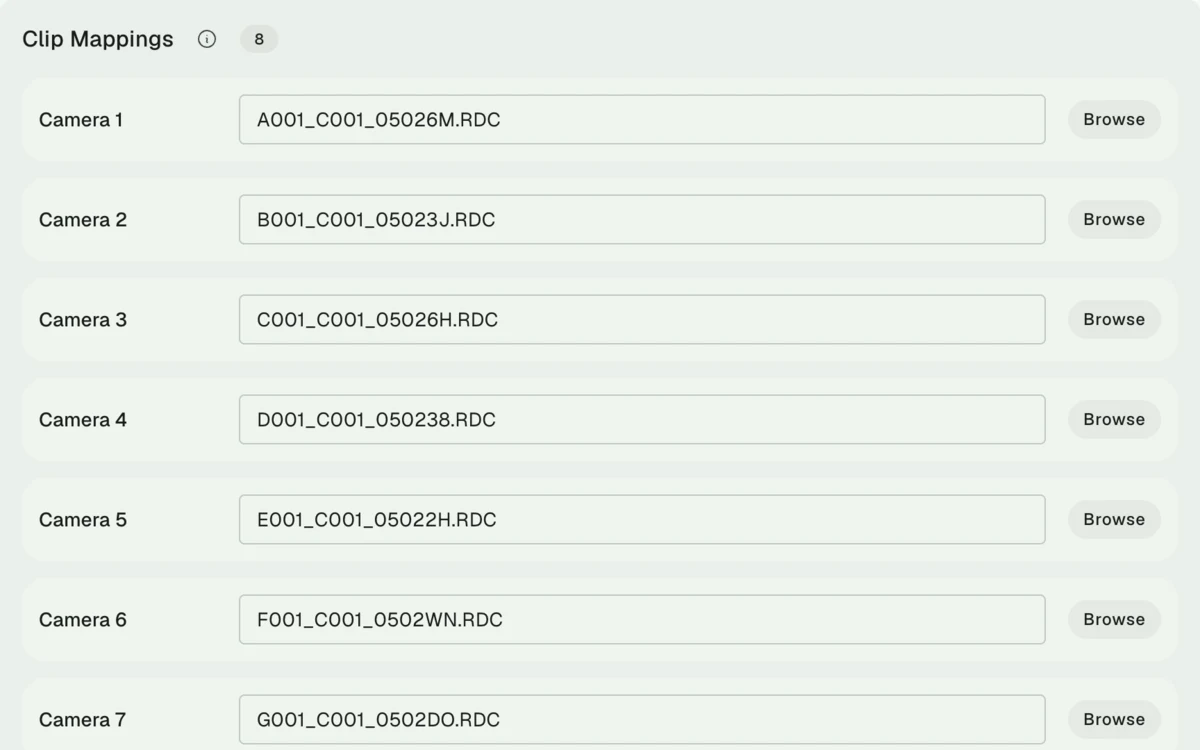
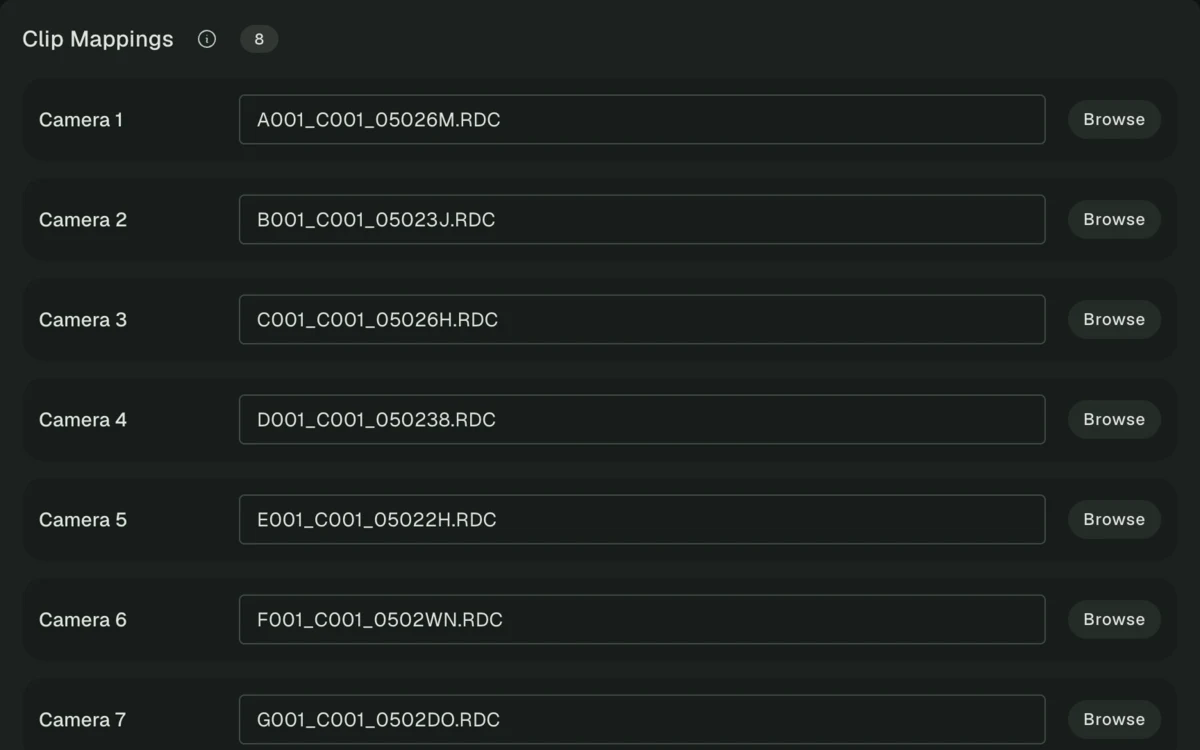
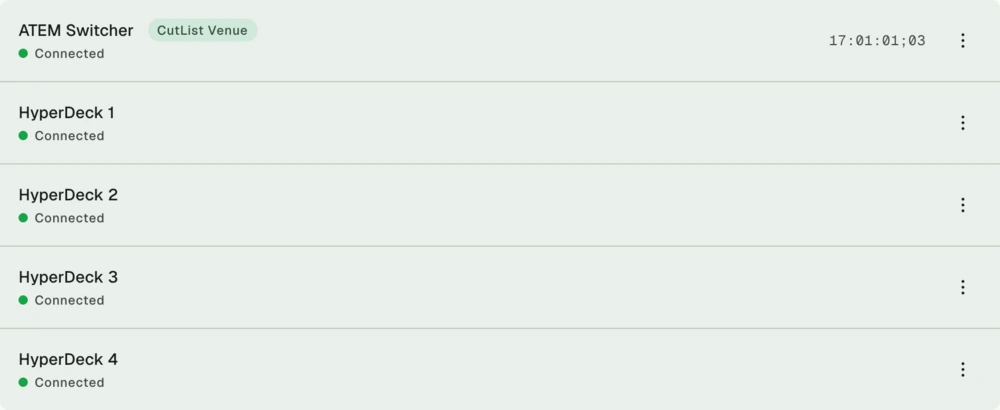
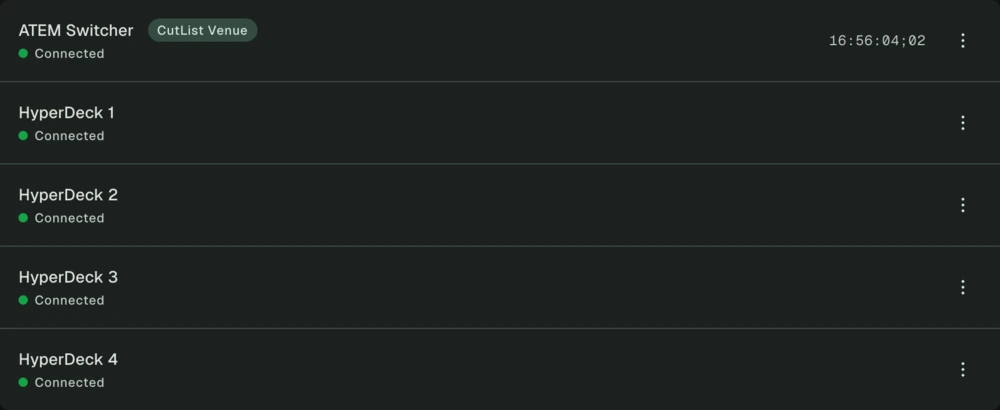
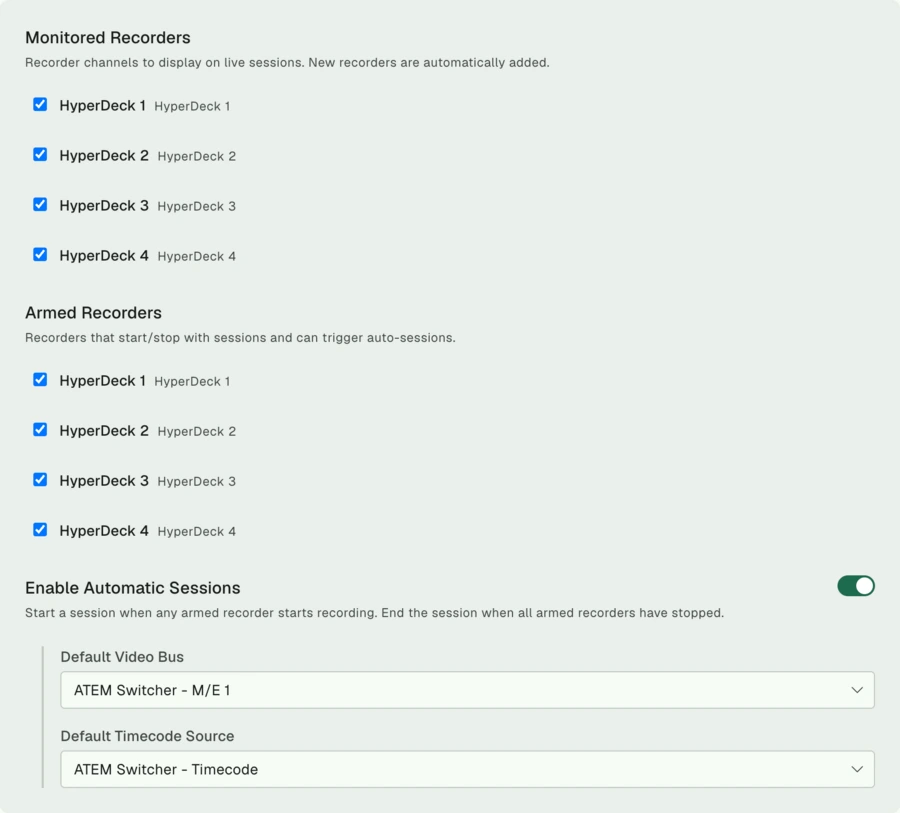
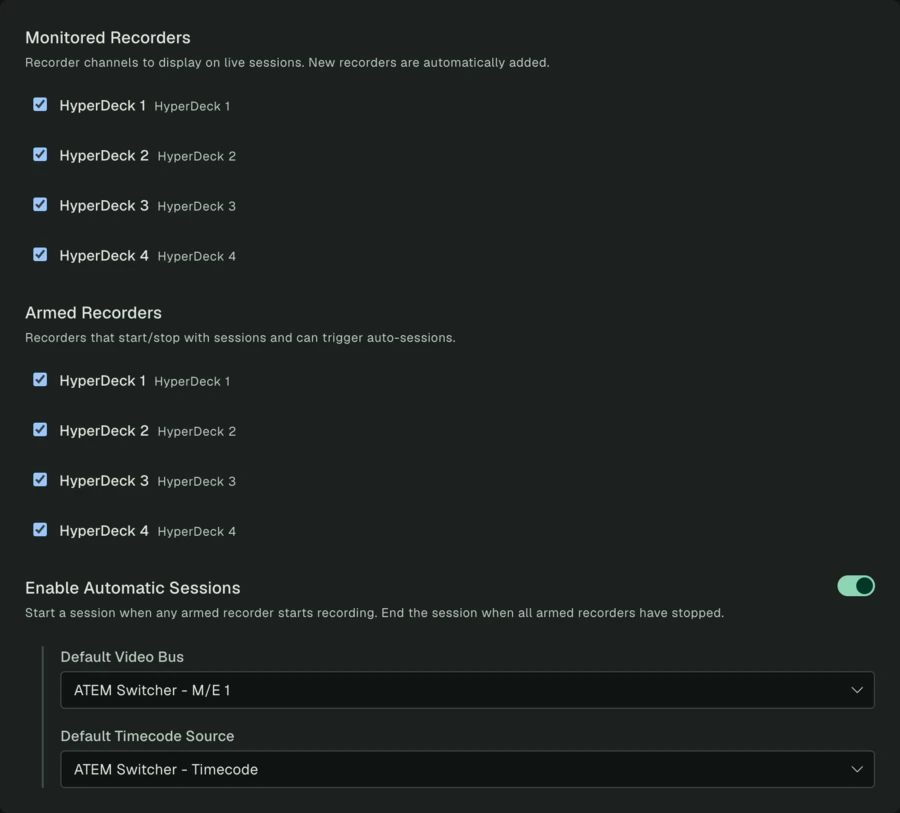
Monitor supported recorders, see recorder status, and let sessions start or stop when recorders roll.


Start a session before the show and watch the cut list build in real time as your director switches sources.
Capture more than one program cut at the same time, useful for productions with separate in-room and online feeds.
Build a session after the fact from captured source changes, useful for missed starts or unexpected post needs.
Change a session's video bus or timecode source after capture without rebuilding or losing the cut list.
Bring in an existing EDL to clean up clip names, adjust timing, or convert it into another post format.
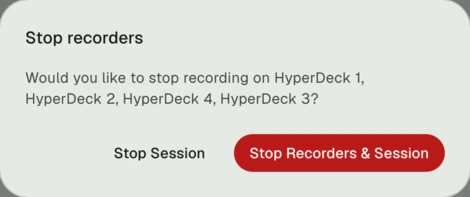
Start and stop supported recorders together from Pixelrush so recording stays aligned across production.
Match source names to recorded footage before export, with drag-and-drop assignment for faster prep.
Import Pixelrush EDL or Multicam XML exports into Resolve as a ready-to-refine timeline with your media mapped.
Create a Premiere Pro sequence from a standard EDL, giving editors the live cut as a starting point for their project.
Send a Multicam XML into Final Cut Pro with camera angles and the program edit already assembled from the live switch.
Capture timecode, source changes, and input names from supported ATEM switchers.
Monitor supported HyperDeck recorders, view recording state, and control recording from Pixelrush during a session.
Use supported Tentacle Sync devices as a timecode source through LTC or MIDI Timecode connections.
Use an UltraSync ONE as a timecode source through LTC when your production relies on external sync for cameras.
Read standards-compliant LTC through a connected audio interface for frame-aligned cut timing during the live show.
Read standards-compliant MIDI Timecode through a connected device when MTC is the best fit for your setup.
Choose the tier that fits your production, or download Pixelrush for free to use the post-production utilities.
$1,080
For podcasts, interviews, and recurring small shows.
$1,920
For studio productions with more sources.
$2,398
For venues, events, and larger productions.
Import EDLs to remap clips, apply frame offsets, and convert to Multicam XML. Then explore the live capture demo.